04Case study
A network monitor that states its limits.
- Product
- BandPeekmacOS network monitor
- Year
- 2026
- Disciplines
- Desktop software, Systems engineering, Interface design, Open source
- Our role
- Design and engineering, published as open source
01Challenge
Numbers people can actually trust.
When a connection slows down or a data cap runs out, macOS rarely says which app is responsible. Answering that should not take an account, administrator rights or packet capture.
The harder problem is honesty. Per-app network numbers on a Mac are an approximation. A tool that presents them as exact will, sooner or later, be wrong in front of the person using it.
02Approach
6 decisions that shaped it.
- 01
Count what the system already counts
BandPeek reads per-app socket byte counters from macOS every two seconds. It does not capture packets, so it needs no administrator rights and never sees the contents of anything.
- 02
Write the accuracy contract first
A published document says exactly what is measured and what is not. It is not an ISP meter. Short-lived processes can be missed. Shared system helpers are listed separately instead of being credited to the app that caused them.
- 03
Keep the data on the Mac
There are no accounts, no cloud history and no telemetry. Per-app history lives in a local SQLite database with retention settings, and it can be cleared at any time.
- 04
Design for a glance
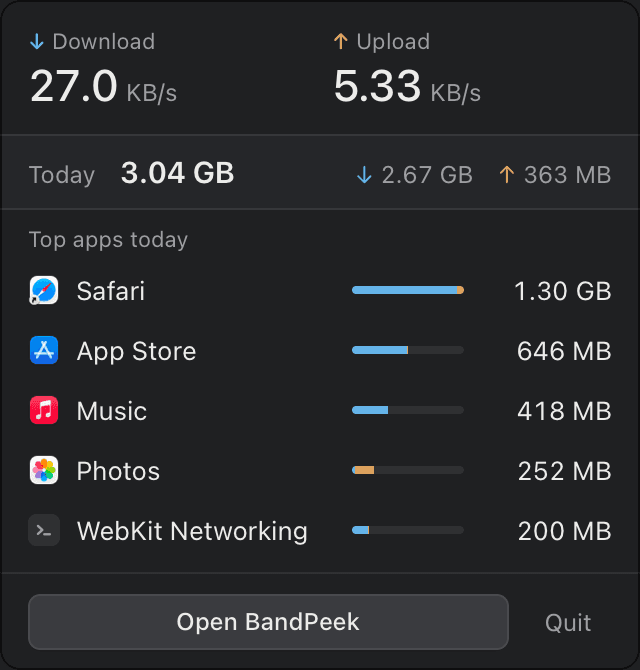
Live speeds sit in the menu bar in a fixed-width layout, so the item does not jitter with every sample. The popup shows speeds, today's total and the top apps.
- 05
Use the right tool for each layer
Rust handles sampling and storage, React and TypeScript handle the interface, and Tauri joins the two in a native macOS shell.
- 06
Publish the source
The code is open under the MIT licence, so every claim above can be checked against it.
03Architecture
How the parts fit together.
One short, local pipeline. Nothing in it needs a network connection of its own.
APath
From counter to menu bar
Sampled every two seconds, stored locally, shown in the menu bar and the main window.
System
macOS
Per-app socket byte counters
Process
Sampler
Rust, every 2 seconds
Store
SQLite
Local history with retention settings
Interface
Menu-bar popup and main window
React and TypeScript, in a Tauri shell
Around the paths
- Never uses
- TelemetryAccountsAdministrator rightsPacket capture
- Accuracy contract
- Not an ISP meterShort-lived processes can be missedShared system helpers listed separately
Tools
- Rust
- Tauri
- React
- TypeScript
- SQLite
04Result
Open source under the MIT licence.
- Source published at github.com/churntechnologies/bandpeek under the MIT licence.
- In beta. A public build is pending, and the app can be built from source today.
- The accuracy contract ships alongside the code, so the limits are documented where the numbers come from.
Public beta pending. Build from source today; screenshots use a demo database.
Seen in use
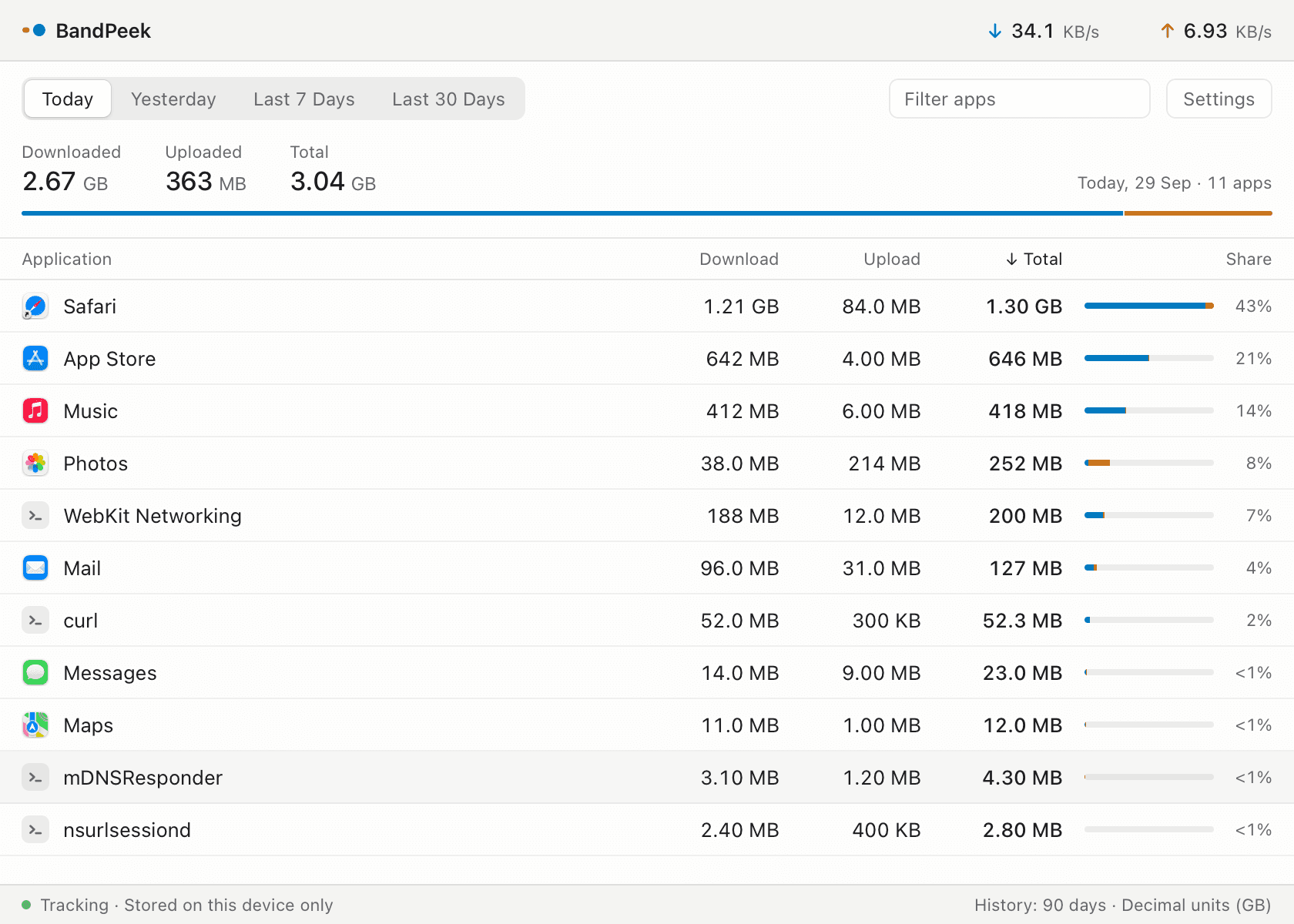
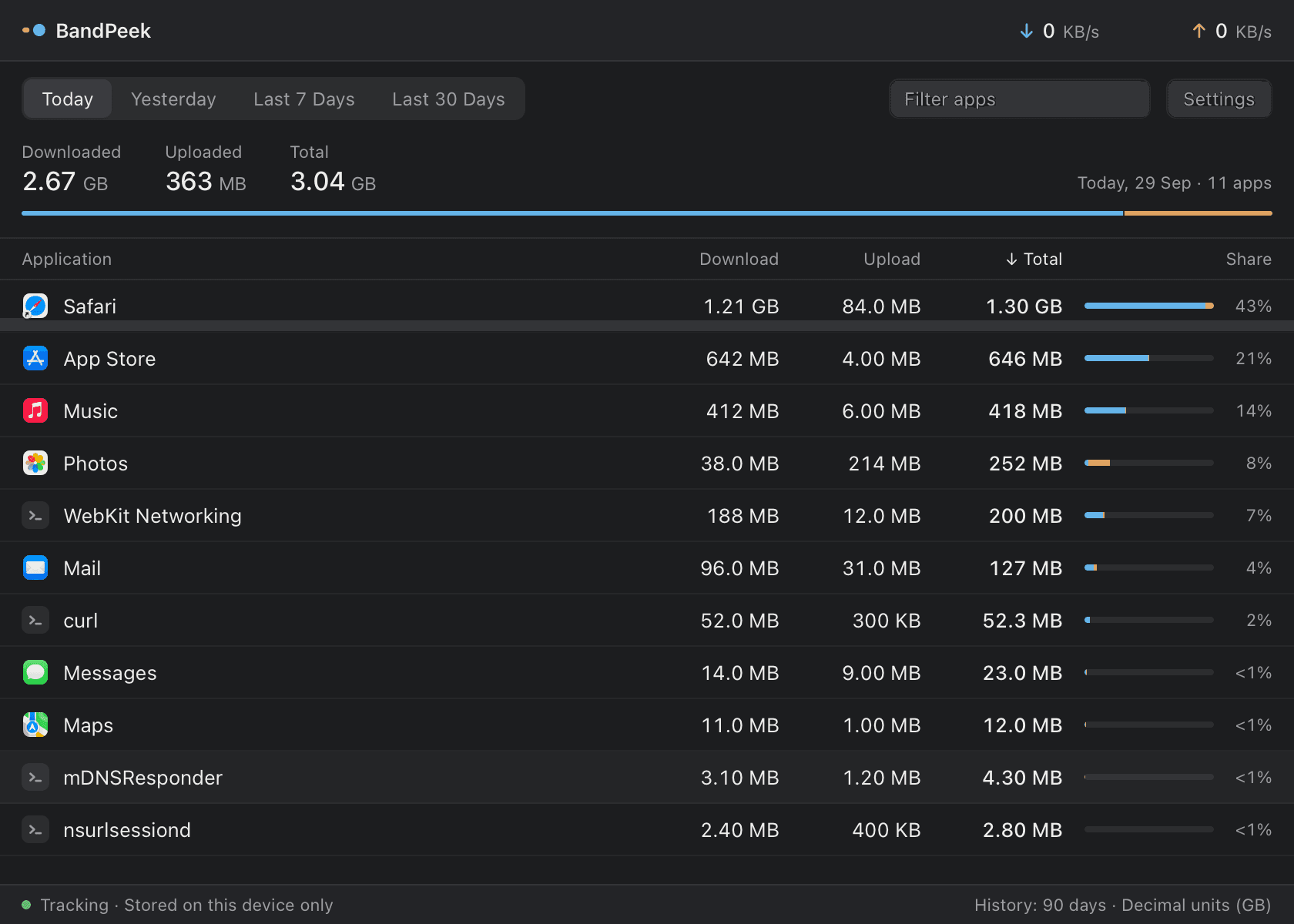
Screenshots use a demo database.