02Case study
Printed codes that stay editable.
- Product
- QR RapidQR code platform
- Year
- 2024 — now
- Disciplines
- Product engineering, Platform & infrastructure, Interface design, Applied AI
- Our role
- Product design, engineering and operations
01Challenge
The code outlives the campaign.
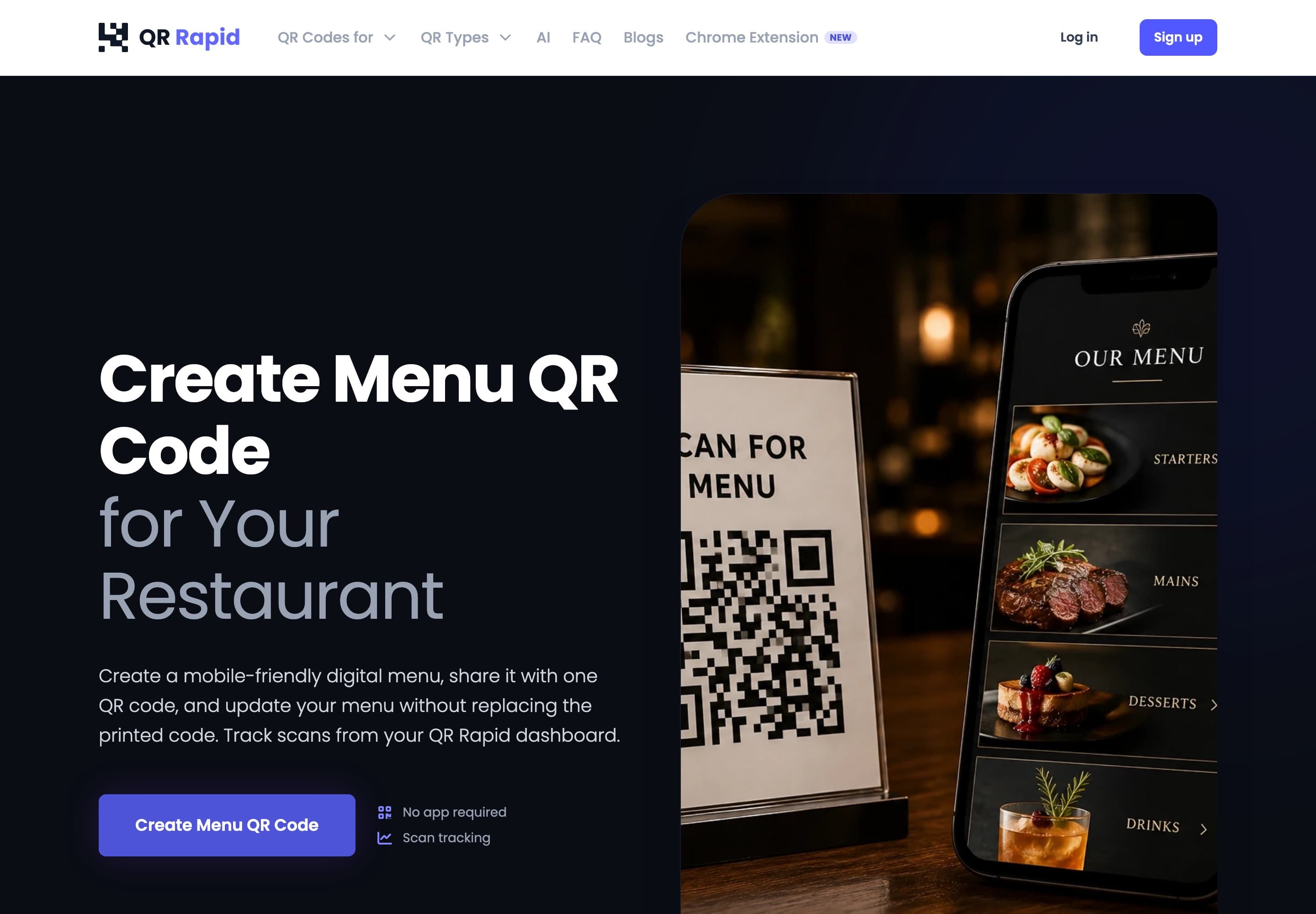
A printed QR code cannot be reissued. Once it is on a menu, a poster or a box, whatever it points to has to keep working. For years, not for the length of a campaign.
That puts two demands on the system. Scanning must stay available whatever else is happening. And the destination behind a printed code must stay in the owner's hands: editable, and measurable.
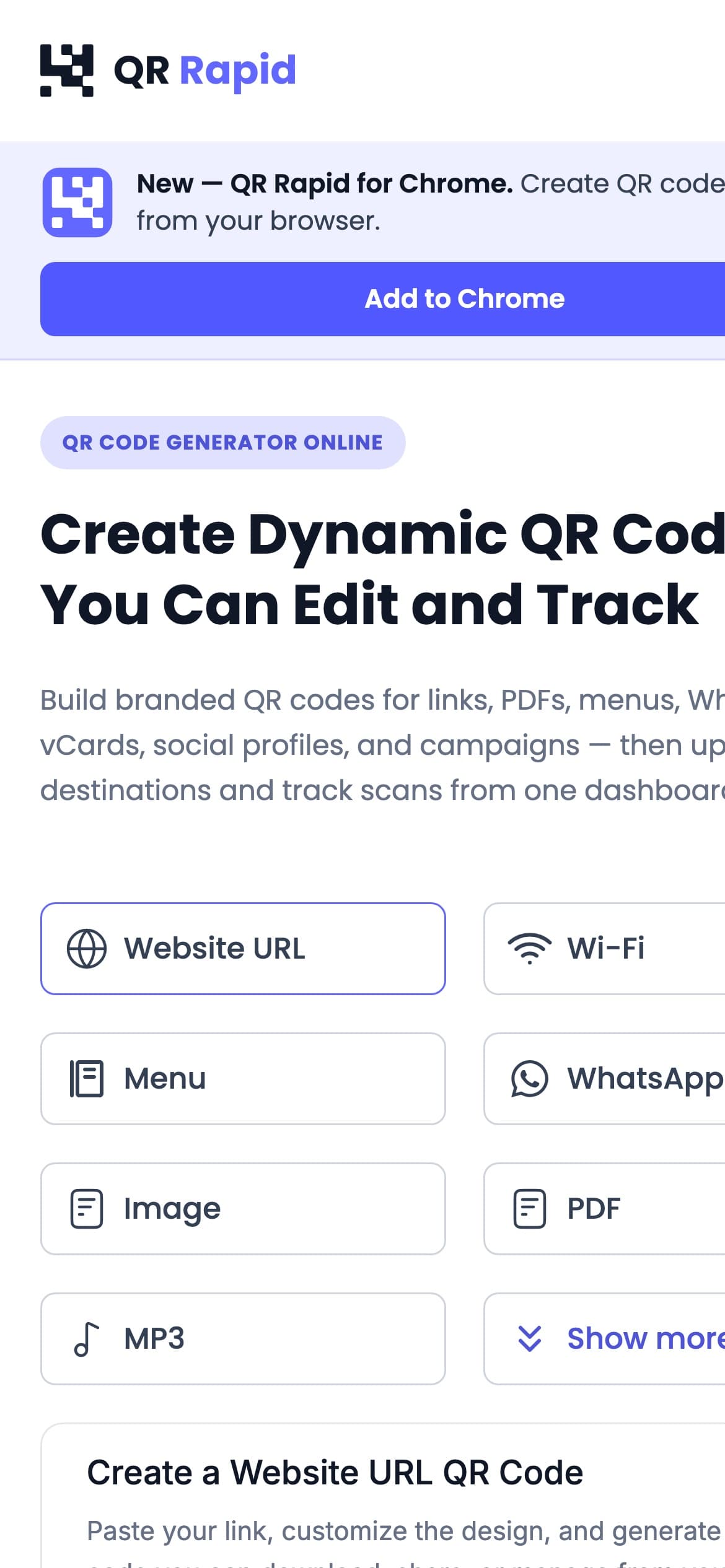
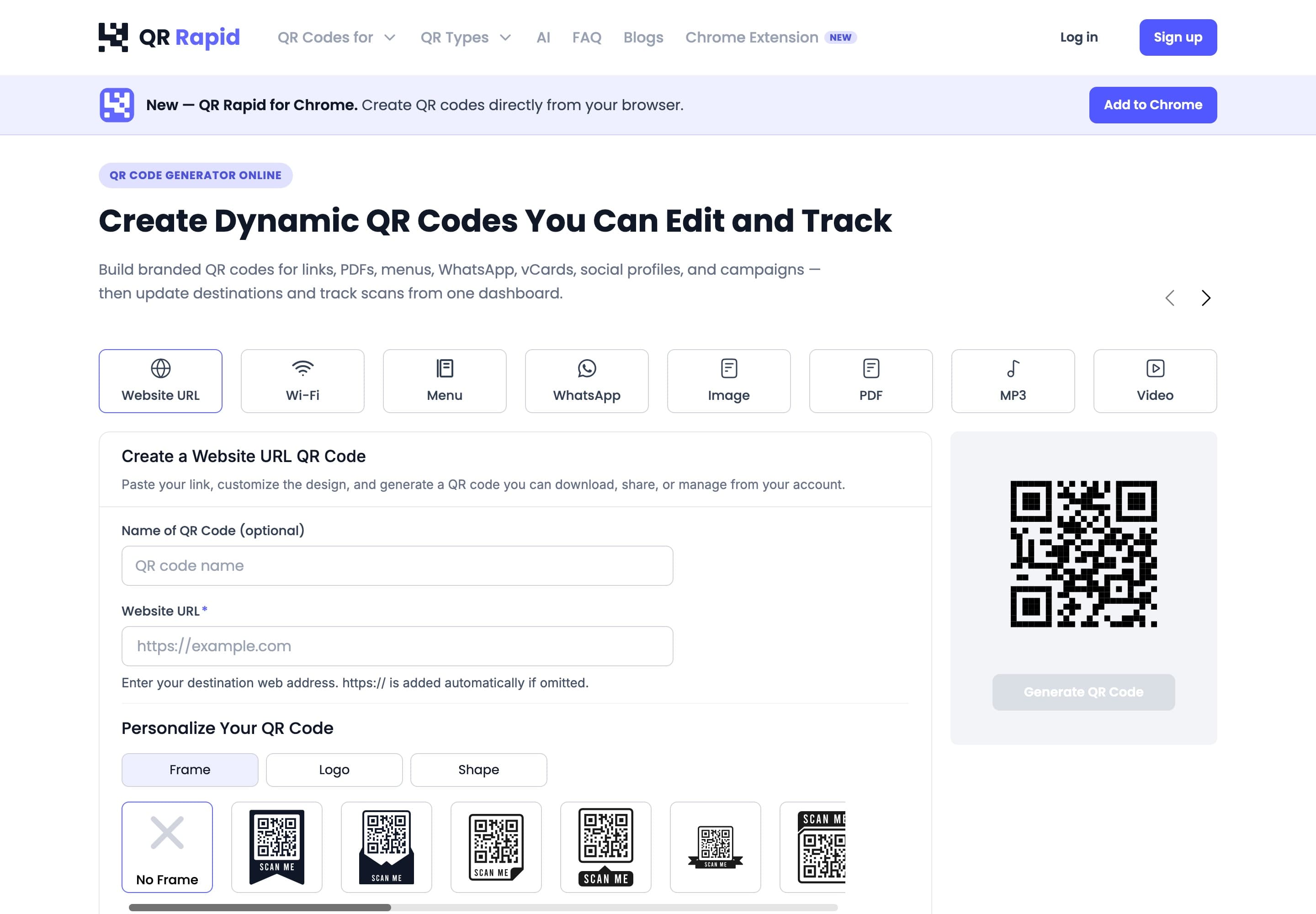
At the same time the product has to be quick to start with. Eighteen kinds of content, brand-level design, bulk creation from a spreadsheet, and analytics that show which materials actually get scanned.
02Approach
7 decisions that shaped it.
- 01
Give scans their own service
The scan-redirect path runs as a separate Deno service, apart from the main application. A scan resolves independently of dashboard load. The service has one job, and it is the one that cannot be late.
- 02
Move heavy work off the request
Bulk creation from CSV and XLSX files runs as jobs on Redis-backed BullMQ queues, processed by workers. The web app accepts the upload and stays responsive while the work happens elsewhere.
- 03
Give assets a home of their own
QR images and other assets are served by a dedicated asset service on object storage rather than by the application. SVG and PNG rendering and PDF export happen server-side.
- 04
Make the code dynamic by design
A dynamic code encodes an address that resolves through QR Rapid, so the destination can change without touching the printed code. It is also where scan analytics start, including location from GeoIP.
- 05
Integrate what is not ours to invent
Google and Facebook sign-in, Cloudflare Turnstile bot protection and Stripe billing are integrated, not rebuilt. The effort goes into the parts only this product needs.
- 06
Plan for failure before it happens
Error monitoring, automated backups and a documented disaster-recovery plan are part of the product. A code that is already printed should keep resolving when something goes wrong.
- 07
Put an assistant where the questions are
Rapid AI helps create codes and answers questions about scan performance, inside the dashboard where those questions come up.
03Architecture
How the parts fit together.
Three paths, kept apart on purpose. Each one fails, scales and is deployed on its own terms.
APath
Creation and bulk work
Heavy jobs wait in a queue instead of holding a request open.
Client
Browser
Dashboard and generator
Service
Web app
Next.js and TypeScript
Queue
Redis + BullMQ
Jobs wait here
Workers
Background workers
Bulk creation from CSV and XLSX
BPath
Scanning
The path every printed code depends on, separate from the dashboard.
Client
Scan
A phone reads a printed code
Service
Redirect service
Deno
Output
Destination
The URL the owner chose
CPath
Assets
Images and files are served without touching the application.
Process
Server-side rendering
SVG, PNG and PDF export
Service
Asset service
Serves QR images and files
Store
Object storage
Around the paths
- Data
- PostgreSQL
- Accounts and billing
- Google sign-inFacebook sign-inStripe
- Protection
- Cloudflare Turnstile
- Insight
- Scan analyticsGeoIP locationRapid AI
- Operations
- Error monitoringAutomated backupsDocumented disaster-recovery plan
Tools
- TypeScript
- Next.js
- PostgreSQL
- Redis
- BullMQ
- Deno
- Object storage
- Stripe
04Result
Live at qrrapid.com since 2024.
- Public and in production at qrrapid.com, built and operated by ChurnTech.
- Eighteen QR content types, brand-level design, scan analytics, Rapid AI and a Chrome extension ship from the same platform.
- Monitoring, automated backups and a documented disaster-recovery plan run behind it.
- The first line of code was committed in August 2024.
Seen in use